
Practical guide
How to prepare a drawn-signature request before you send it
A practical, capability-aware walkthrough for uploading a final PDF, placing fields, inviting signers, and reviewing the record.
A signing request should begin only after the parties have agreed the document content. In the available workspace flow, you add a PDF, configure the people and fields who need to act, then send the request and review its recorded activity. This is a practical product guide, not a conclusion about the legal effect of any particular document.
Start with the final version you intend to sign
- 1Review the parties, dates, amounts, schedules, and clauses before creating a signing request. If the text needs substantive changes, make a new final version first.
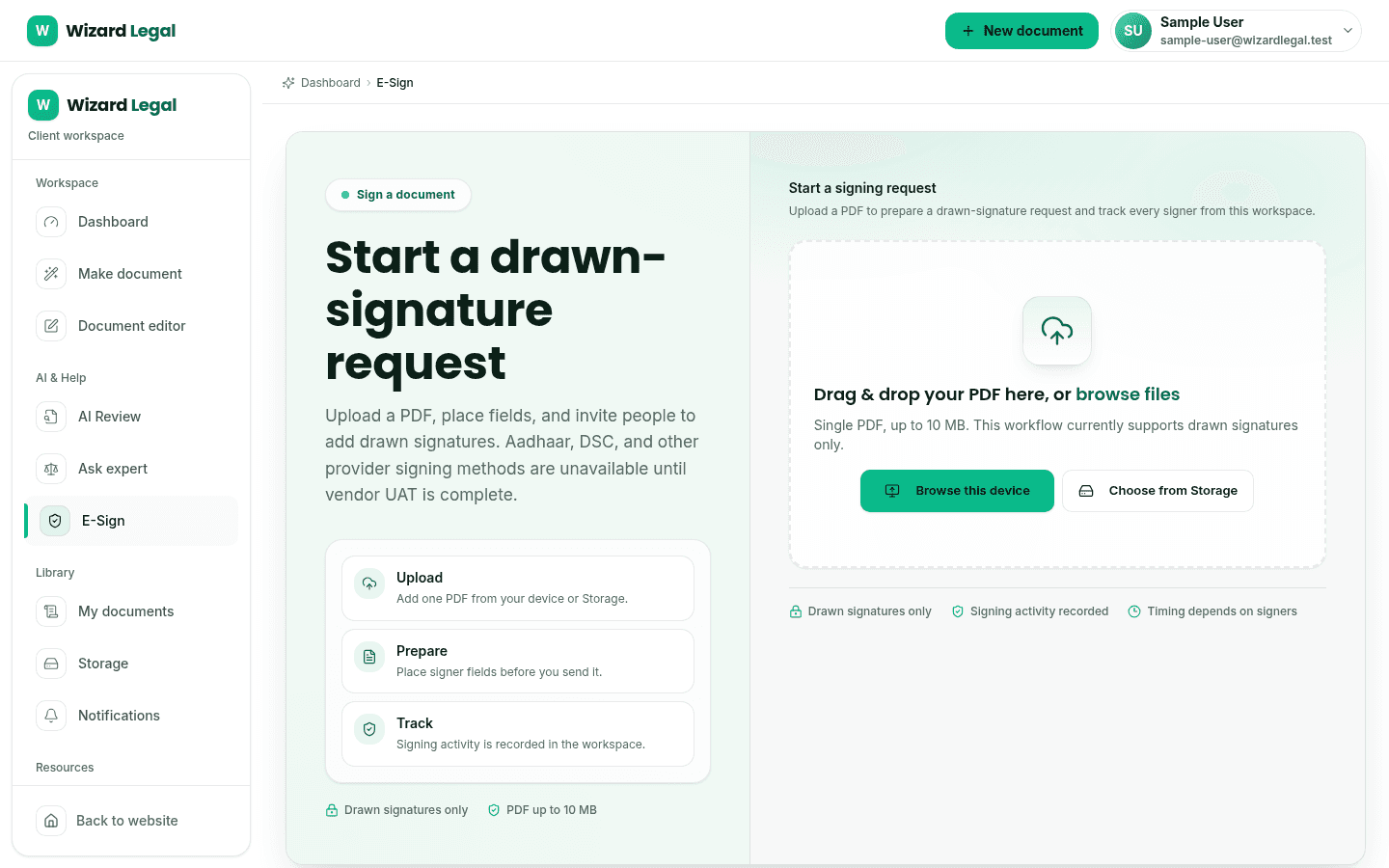
- 2Open the authenticated e-sign workspace and choose the available PDF source. The upload flow accepts a PDF and shows its file-size limit before you continue.
- 3Add every signer who needs to act. Use the intended signing order where the request requires a sequence rather than a simultaneous invitation.
- 4Place each signature, initial, date, text, or other required field in the PDF preview before sending the request.
Make the fields unambiguous for every signer
- Give each signer their own visible signature field; use the last-page or every-page bottom-stack preset only when it matches the document.
- Move fields while the request is a draft, then review the complete PDF at the size and orientation that the signer will see.
- Set a realistic signing deadline and completion-notification policy before sending, so reminders and recipient expectations are clear.
- Do not upload or use a signature image unless the signer has authorised its use. The local workflow bounds accepted image format and size.
Review the signing record after you send
The envelope owner can review the request status and available activity in the workspace. When the evidence record is ready, check its event sequence, timestamps, signer activity, and any available network or device context against the process you expected. Retain the completed document and the evidence record with the rest of the transaction materials.