
Documents & drafting
Use review and comparison results carefully
AI-assisted review can help you spot questions, but it does not replace legal judgment or a complete document review.
3 min readUpdated 5 August 2026
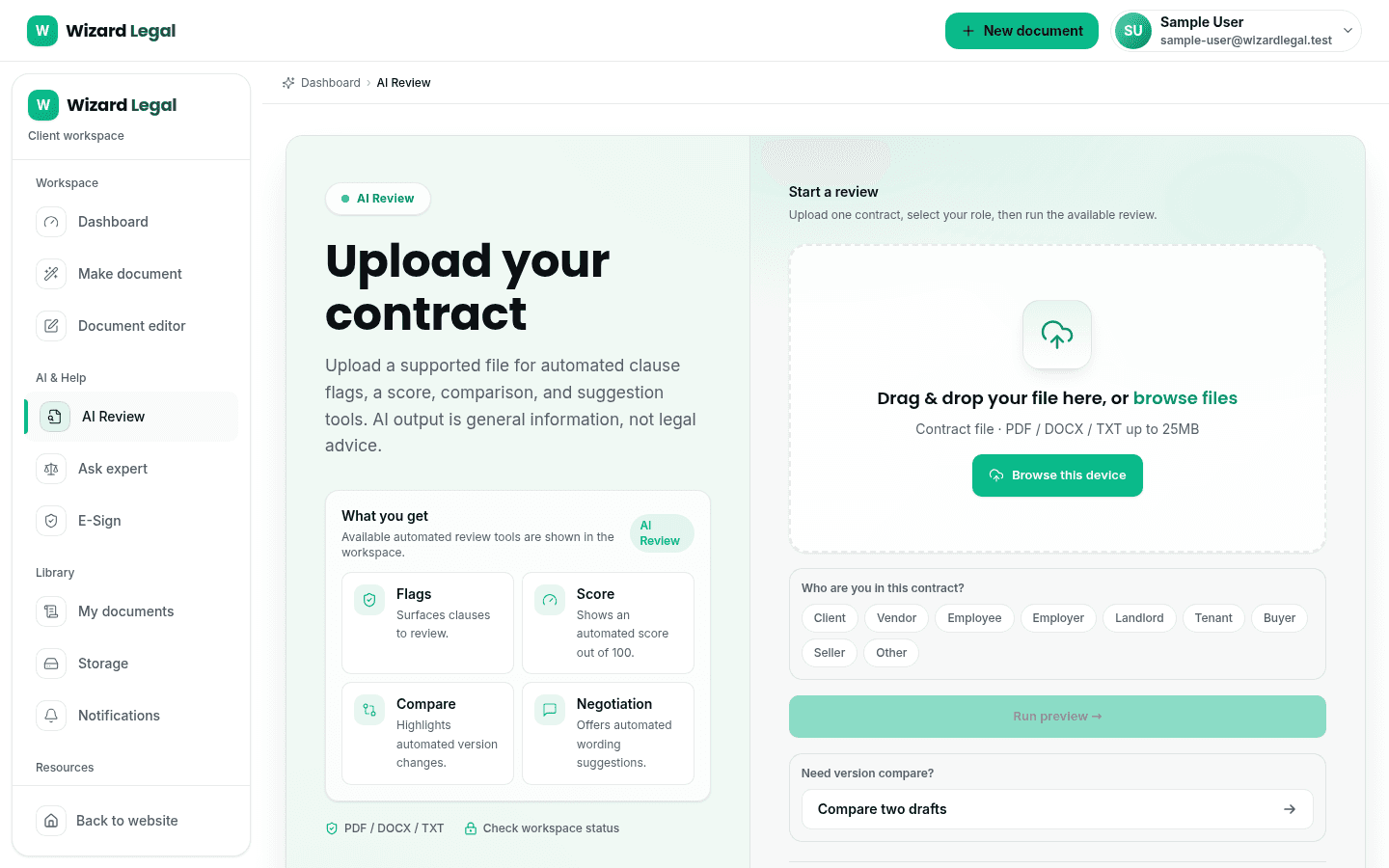
Where AI Review or comparison is available in your workspace, it can help surface clauses, differences, missing information, and questions for follow-up. Results are general information and should be checked against the actual document and transaction.
How to use a result
- 1Read the source clause or document passage, not only a summary or score.
- 2Check the result against the commercial context, attachments, and prior versions.
- 3Decide whether a change, clarification, approval, or professional review is needed.
- 4Use the workspace to confirm which review or export options are available for your access level.