
Account & support
Manage your account and document access
Where to find account settings, documents, email verification, and privacy information.
2 min readUpdated 5 August 2026
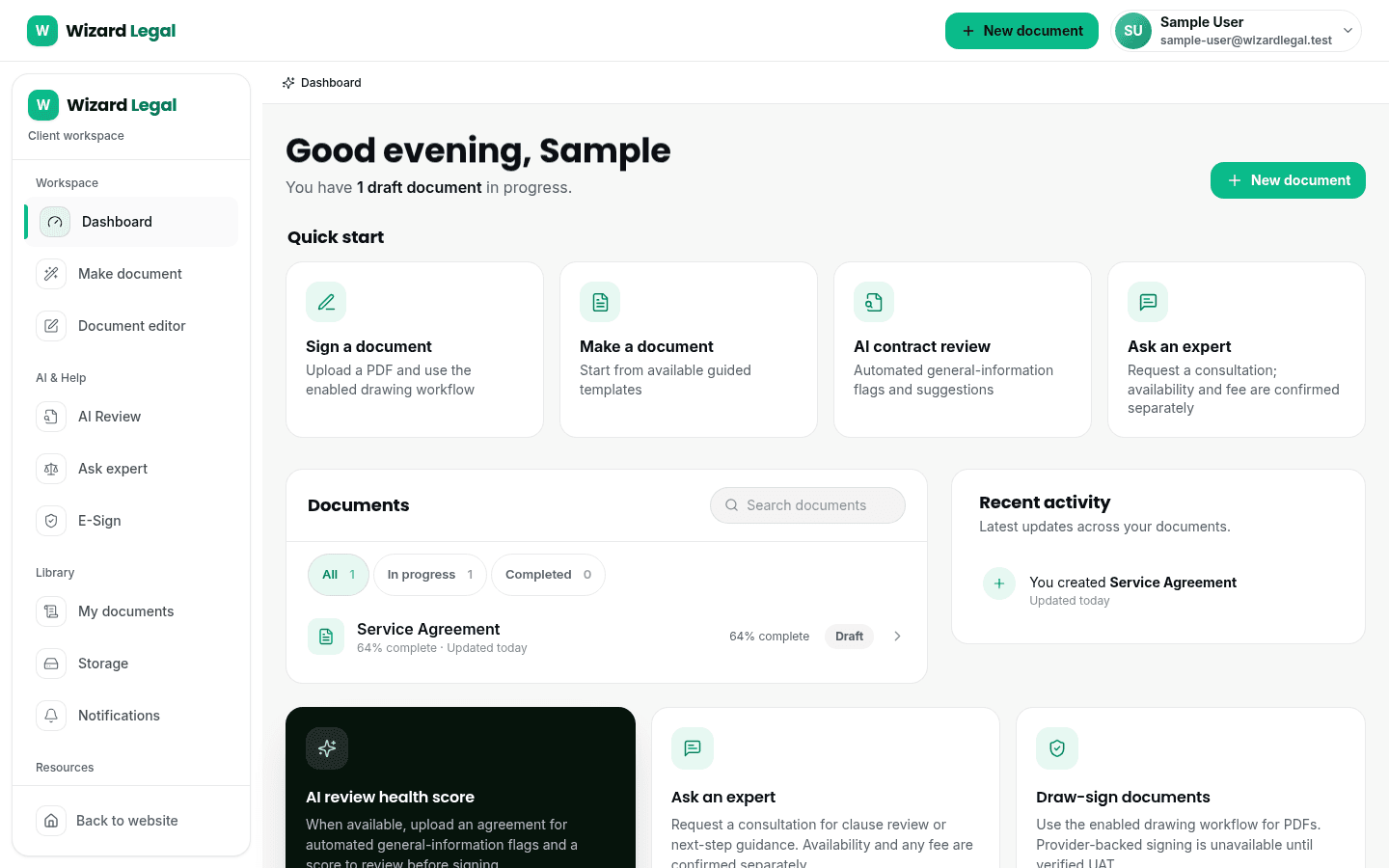
After you sign in, use the dashboard to find your documents and account settings. If you are waiting for a verification email, check your spam folder first and then request a fresh link through the verification page.
When you need help
- For access or verification trouble, include the email address used for the account when you contact support.
- For an order question, include the order reference and avoid sending sensitive information you do not need to share.
- For privacy, retention, or deletion questions, read the privacy policy and contact support with the account details needed to identify the request.